Creator
HandGesture Pro Max By Aditya Raj
This site is the official home of Aditya Raj's webcam gesture-control software and source-code release.
This is the official website of Aditya Raj, creator of HandGesture Pro Max. Explore webcam gesture-control software, computer-vision demos, source-code products, and future tools released under Aditya Raj Labs.
Aditya Raj is building Aditya Raj Labs as a home for gesture-control software, computer-vision experiments, and future digital products.
This site is the official home of Aditya Raj's webcam gesture-control software and source-code release.
The brand is set up to grow beyond one product so future software, tools, and experiments can be added here.
The website and domain are now ready for future releases, personal branding, and new product pages over time.
Everything below is included to help buyers understand what the software does and what comes inside the package.
Smooth movement, left click, right click, double click, drag and drop, and reposition protection.
Two-hand zoom, helper-hand scroll, volume, mute, play/pause, screenshots, and app switching.
Includes source code, configuration, requirements, packaging files, and buyer-facing documentation.
Preview the look and feel of webcam-based gesture control with real presentation imagery and product-style visuals.
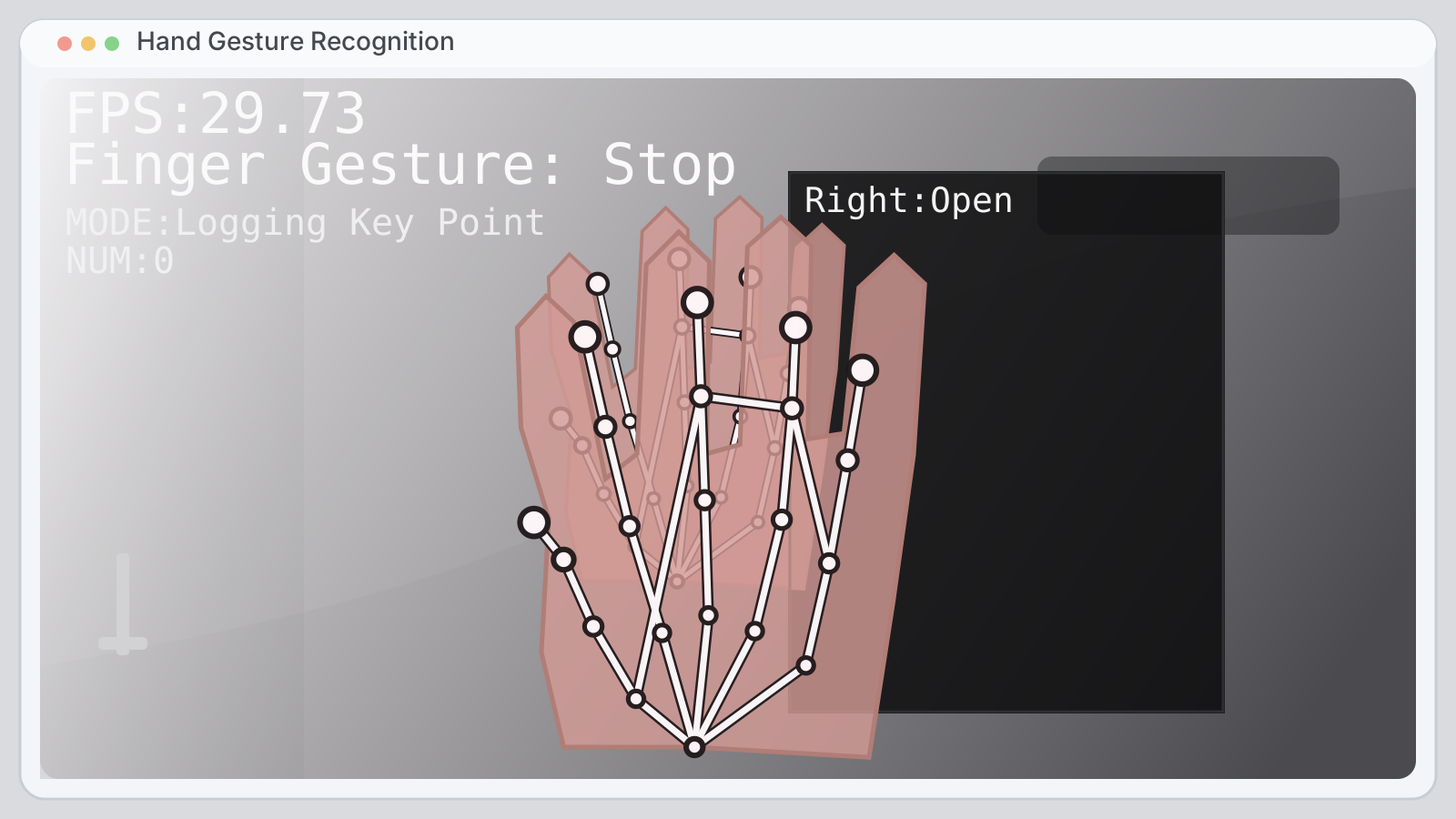
A screenshot-style preview inspired by real gesture-recognition windows, with FPS text, hand landmarks, and camera-feed framing.
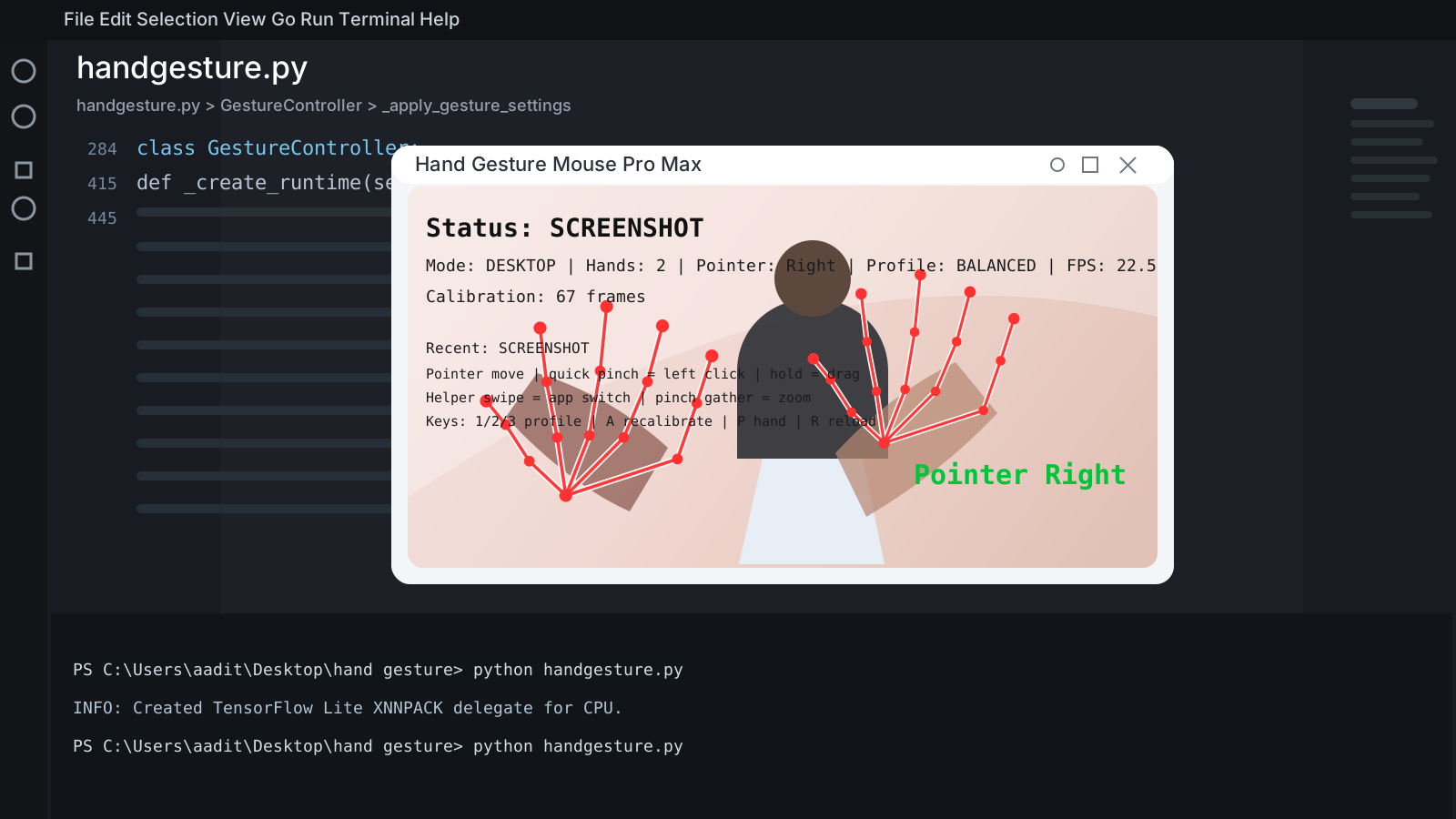
A coding-workspace style preview that shows the software running inside a realistic desktop setup with a live control window.
A product-style preview showing smooth cursor movement, gesture tracking, and desktop control behavior.
The package is built for buyers who want full source-code access, setup files, and clear documentation.
The core Python project files are included for buyers who want to run, study, or modify the software.
Configuration, dependency, and setup files are included to help buyers get started faster.
Useful files for packaging and delivery are included inside the source bundle.
The package includes buyer-use terms and third-party notices so the delivery is cleaner and more professional.
This product combines a futuristic demo feel with practical desktop control features.
The visual demo style makes it attractive for creators, tech showcases, and standout portfolio projects.
A single full-code offer keeps the checkout simple and makes the value easy to understand before purchase.
This package works well for buyers who want a futuristic software demo, a customizable codebase, or a smart control experiment.
The visual interaction style makes it great for demos, reels, presentations, and eye-catching portfolio work.
Developers can tune thresholds, change behavior, add gestures, and build on top of the project structure.
It is also useful for students and experimenters who want a practical computer-vision project they can study and improve.
One payment, full source code access, and a straightforward offer for first-time buyers.
Common questions buyers may want answered before they complete checkout.
No. It works with a normal webcam on a Windows laptop or desktop.
You receive the downloadable full source-code package, setup files, buyer license, and supporting project files.
Yes. The JSON config and code structure make future tuning much easier.
Checkout is handled through Payhip, and the product is delivered as a downloadable digital source-code package.
Please review the notes below before purchasing the digital source-code package.
This is a downloadable digital product. No physical hardware or boxed item is shipped.
Tracking quality depends on webcam quality, lighting, background conditions, screen setup, and system performance.
Because this is a digital source-code product, refunds are generally not provided after successful delivery. If you have download or access issues, support is available on WhatsApp.
Purchase includes buyer use and modification rights for personal or internal use. Resale or redistribution of the source code is not allowed.